Edok Studio Edok Studio
Feature

Play Store screenshot generator with real Android frames

Put your captures in photoreal Android mockups, add a caption, and export the phone, tablet and feature-graphic assets Play Console asks for — already inside Google’s rules.

The problem

Play Console says no quietly

Google publishes bounds and ratios rather than one exact size, so a set that looks fine on your screen can still be refused at upload — or accepted, and then left out of the placements that drive installs.

The 2:1 rule

No side may be more than twice the other. A modern tall phone capture fails it even though both dimensions are in range.

The alpha channel

Play wants JPEG or 24-bit PNG. A design tool’s default 32-bit PNG export is the most common rejected upload.

The feature graphic

Every listing must carry a 1024×500 banner — a second, landscape design most screenshot tools leave to you.

Android frames

Real Android devices, not a generic slab

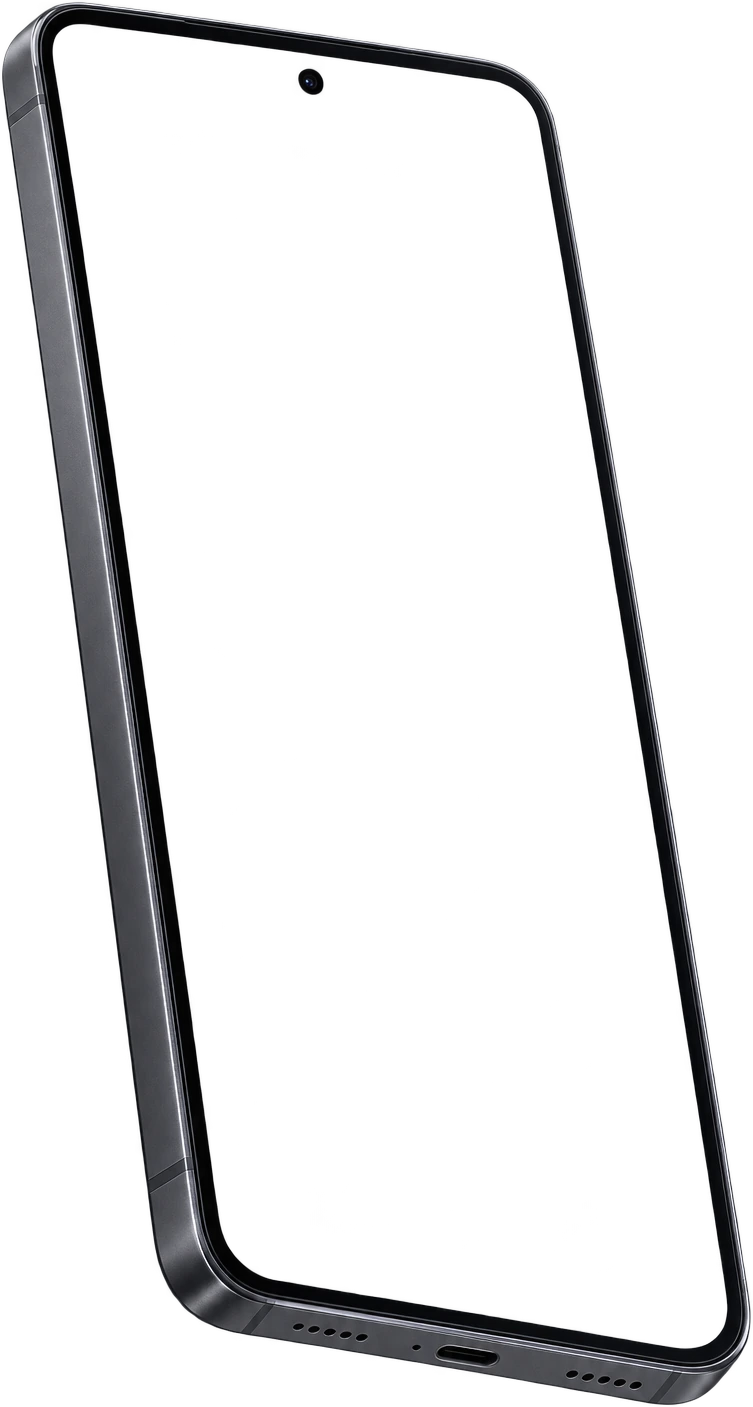
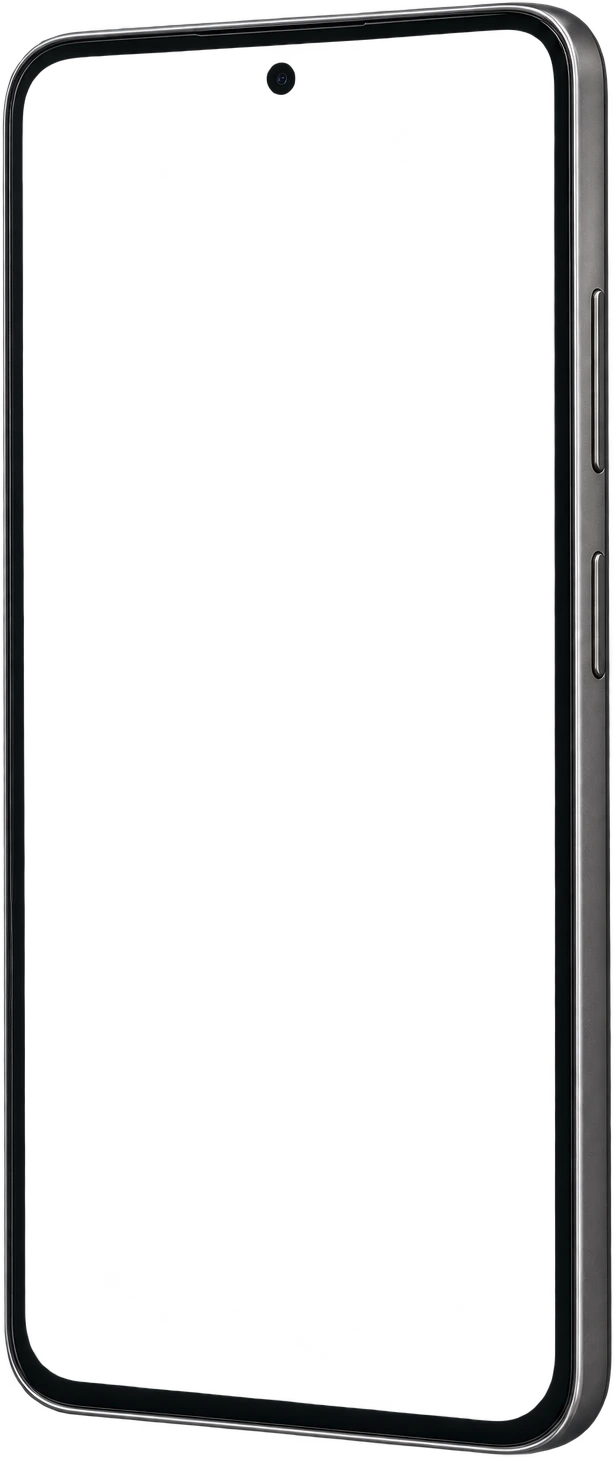
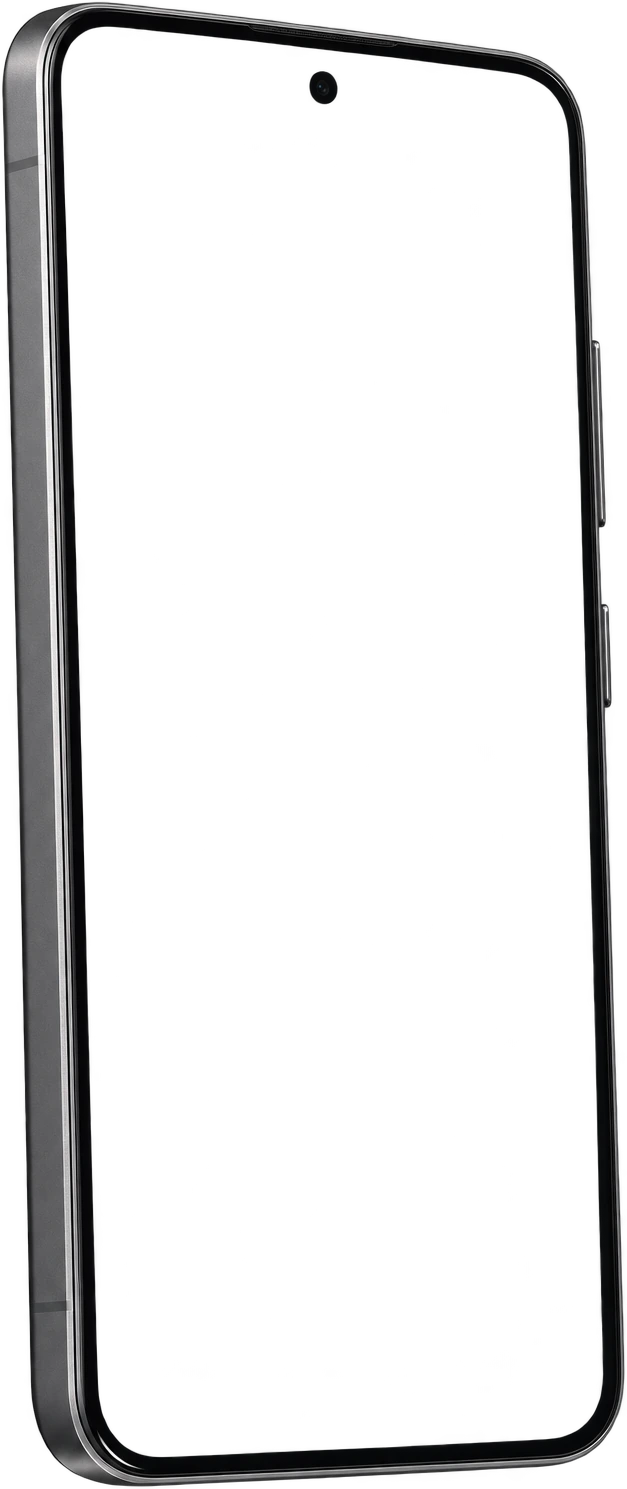
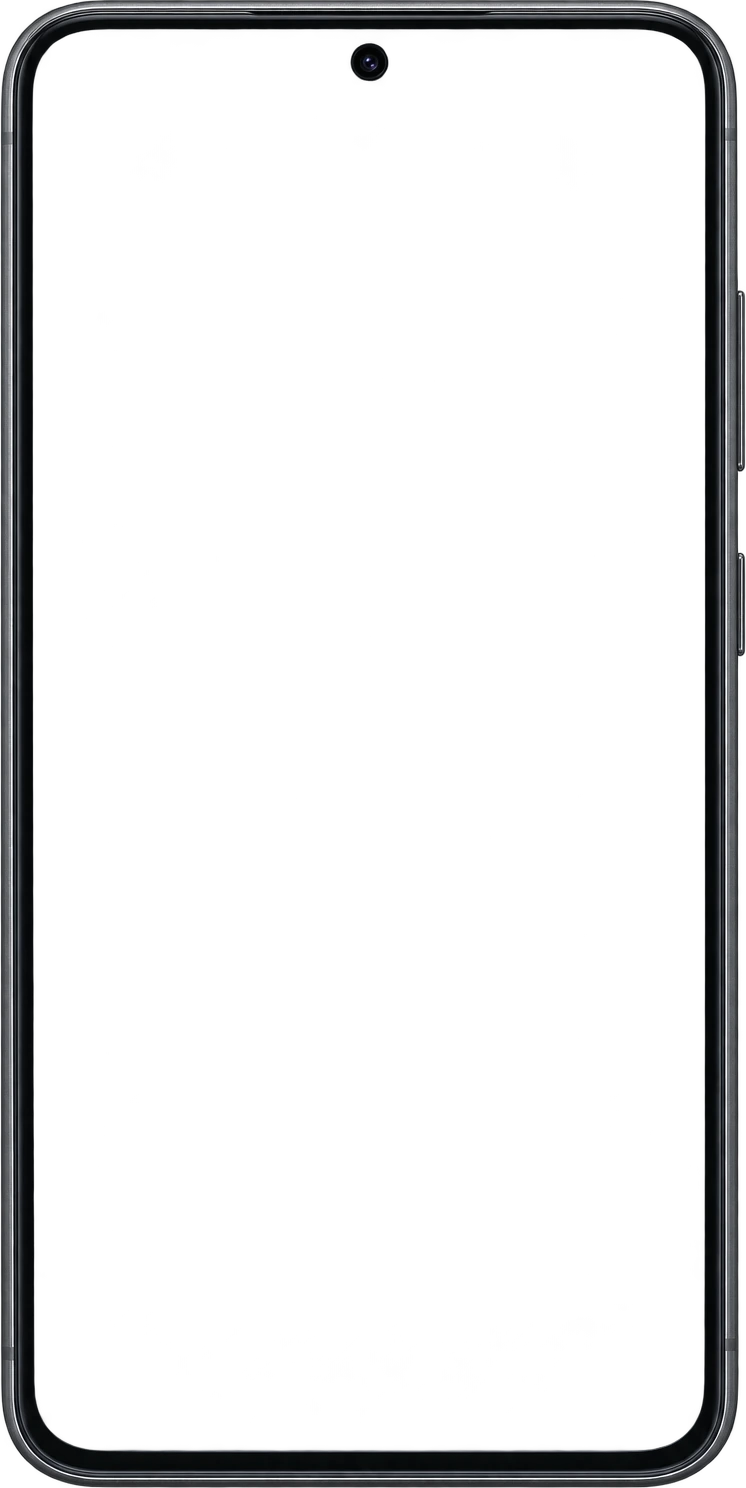
A Play listing reads as an Android app when the phone around it reads as an Android phone. The editor ships a photoreal, transparent-PNG Android phone and tablet, plus angled 3D Android poses — the same frames the export renders, so what you place is what you ship.

  • Flat, floating, laying, tilted and in-hand Android poses
  • The frame is shaped to your capture’s aspect ratio, so the navigation bar is never cropped off
  • A matching 1024×500 feature graphic, designed in the same project
Acme Fitness
Every rep, logged. Every streak, kept.
9:41
Thursday, 12 June
Today
MR
6
Week streak
2 days to beat your record of 8 weeks.
612kcal
Burned
48min
Move
132bpm
Avg HR
Workout of the day
Upper body push
42 min · 6 exercises · Strength
Up next
FriLower body · legs38 min
SatZone 2 run45 min
TodayProgressPlansYou
Feature graphic1024 × 500 · no alpha
Progress you can see
9:41
Last 7 days
Progress
Training volume
18,420kg
+12%
MTWTFSS
Personal records
Bench press92.5 kg+2.5
Deadlift160 kg+5.0
Back squat135 kg+2.5
TodayProgressPlansYou
Phone · 9:161080 × 1920
Track every workout
9:41
Thursday, 12 June
Today
MR
6
Week streak
2 days to beat your record of 8 weeks.
612kcal
Burned
48min
Move
132bpm
Avg HR
Workout of the day
Upper body push
42 min · 6 exercises · Strength
Up next
FriLower body · legs38 min
SatZone 2 run45 min
TodayProgressPlansYou
Phone · 9:161080 × 1920
Keep the streak
9:41
June 2026
Streaks
6
Current
8
Longest
148
Sessions
MTWTFSS
123456789101112131415161718192021222324252627282930
4 sessions this week
One more hits your weekly goal.
TodayProgressPlansYou
Phone · 9:161080 × 1920
Android 3D anglesfloating, tilted, laying, in-hand
Play specs

Inside Google’s rules before you upload

The Android presets are chosen to sit inside every Play constraint at once: 1080 × 1920 is exactly 9:16, clears the 1080 px bar for recommendation eligibility and is nowhere near the 2:1 limit. Exports are flattened, and every file is named in upload order.

Export all24 assets · 4 sizes · 12 locales.zip
PNGJPGAll localesNo watermark
iphone_67/en-US/01.png1290 × 2796
iphone_67/ja-JP/01.png1290 × 2796
ipad_129/en-US/01.png2048 × 2732
android/en-US/01.png1080 × 192062%
android/es-ES/01.png1080 × 1920queued
acme-fitness-screenshots.zip — every device, every language, one download.
AssetSizeRuleStatus
Phone screenshots1080 × 1920 (9:16)320–3840 px per side, long side ≤ 2× short sideRequired
Feature graphic1024 × 500Exact size, JPEG or 24-bit PNG, no alphaRequired
Tablet screenshots1600 × 25601080–7680 px, 9:16 or 16:9Recommended for large screens
Wear OS384 × 3841:1, at least 384 px, no transparency or maskingIf you ship a watch app
App icon512 × 51232-bit PNG, alpha allowedRequired (uploaded separately)
Up to 8 screenshots per device type. At least four at 1080 px or more (three for games) to appear in Play’s recommendation formats.
The full rules, with Google’s own wording, are in the Google Play screenshot requirements guide. Pixel-exact pages for the 1080 × 1920 phone and the 1024 × 500 feature graphic are there too, or drop a file into the screenshot size checker.
How it works

From raw captures to Play-ready

  1. 01

    Create a project

    Pick Android — or both platforms — and the device types you ship to.

  2. 02

    Drop in your screens

    Place each capture in an Android frame, or start from a template.

  3. 03

    Add the feature graphic

    Design the 1024×500 banner on the same canvas, with the same type and colours.

  4. 04

    Export the ZIP

    Phone, tablet and feature graphic at their exact sizes, flattened, no watermark.

What you get

Built around Play Console

Watermark-free on every plan

Including Free. The free plan is limited by project count, not by branding on your work.

One design, both stores

Add an iPhone or iPad size and reuse the layout — see the App Store screenshot generator.

A set per language

Play lets you localise screenshots per language; generate each variant from one design — see listing localisation.

Listing copy to match

Title, short description (80 characters) and full description from the AI listing generator.

Screenshots are only part of a Play listing

Play Console also asks for listing copy and a privacy policy at a public URL. Both are in the same studio: AI listing metadata, hosted privacy and terms, an app landing page and Android App Links — see the whole Edok Studio app launch kit.

Frequently asked questions

Is there a free Google Play screenshot generator?

Yes. The free plan includes the full editor with Android device frames, the free template library and watermark-free ZIP export — phone screenshots and the feature graphic included. No card is needed.

What size should Google Play screenshots be?

Google accepts 320 to 3840 px on each side, with the long side no more than twice the short side. To be eligible for Play’s recommendation placements, apps need at least four screenshots of at least 1080 px, in 9:16 portrait (1080×1920 or larger) or 16:9 landscape. The editor’s Android phone preset is exactly 1080×1920.

Does it make the Google Play feature graphic?

Yes. The feature graphic is a size preset of its own at exactly 1024×500, designed on the same canvas as your screenshots and exported without an alpha channel — the two things Play Console checks.

How many screenshots does Google Play allow?

Up to 8 per device type. Google’s minimum to publish is two screenshots across device types; four or more at 1080 px is the bar for recommendation placements (three for games).

Can I make App Store screenshots from the same design?

Yes. Add an iPhone 6.9″ or iPad 13″ size to the same project and apply the same template — see the App Store screenshot generator page for Apple’s required sizes.