
The store asks for a website, quietly
App Store Connect has a support URL field and a marketing URL field. Neither says “build a website”, and both are checked at review. A dead link, or one pointing at a personal GitHub profile, is a reliable way to add a round trip to your submission.
- ✓A support URL a reviewer can actually reach
- ✓A marketing URL that looks like a product, not a placeholder
- ✓Served from the same domain as your privacy policy and terms
Plans, streaks and progress in one place. Free on iOS and Android.
The hard assets are already made
By the time you need a landing page you have the screenshots and the description. The builder reuses both: choose a template, pick which screenshots to show, and either write the copy or have it drafted from the same app brief the metadata generator uses.
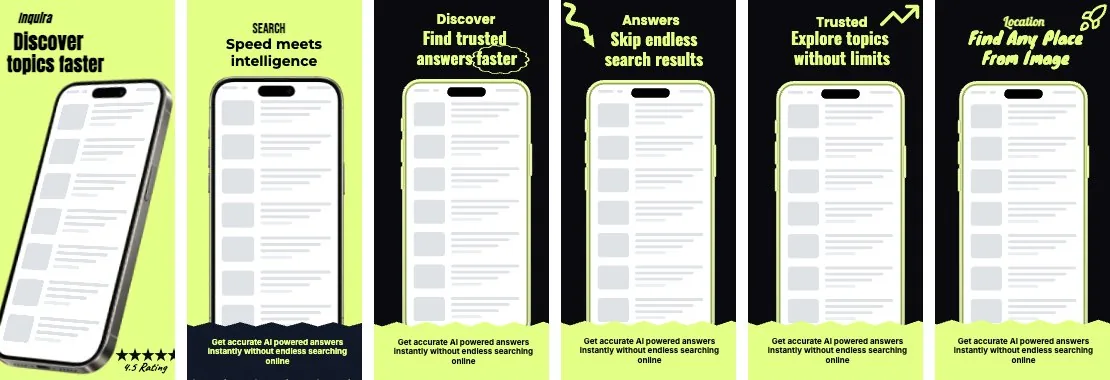
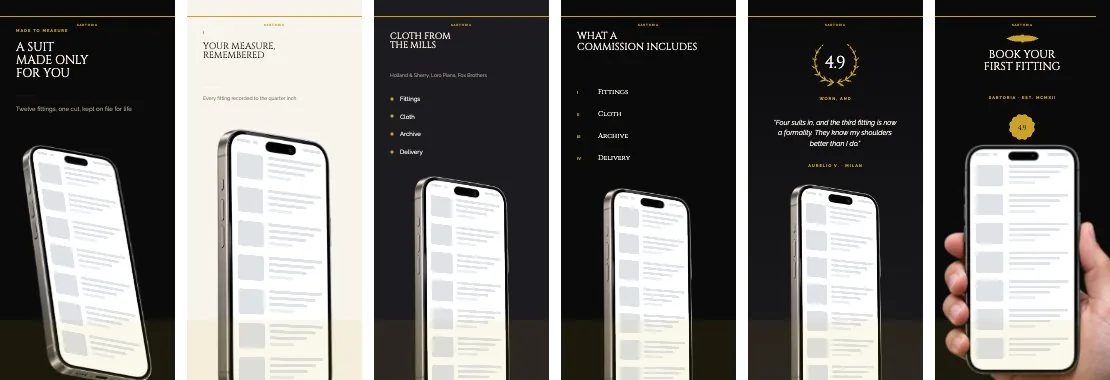
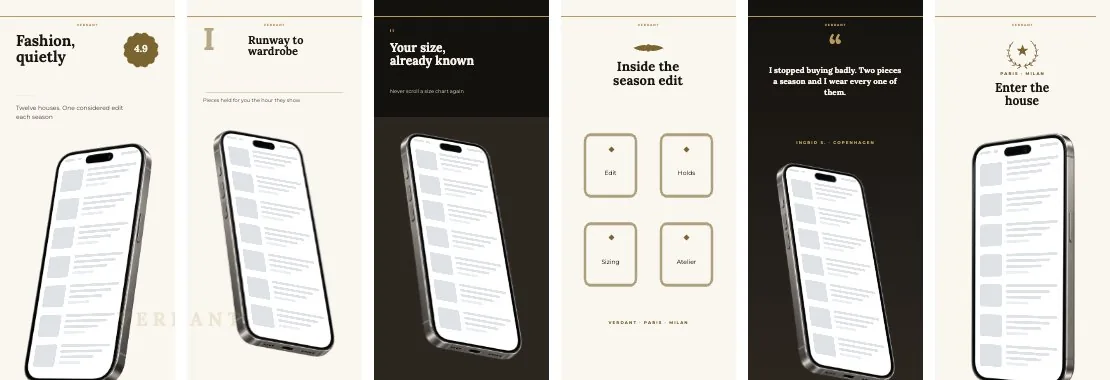
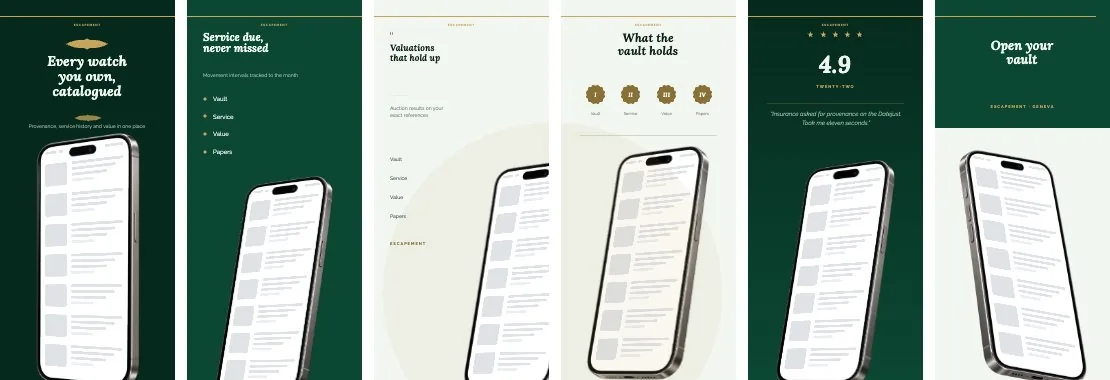
- ✓Three templates — Aurora, Slate and Pop, each a single conversion-shaped page rather than a site to fill
- ✓Store badges — App Store and Google Play buttons wired to your listings
- ✓Feature highlights, screenshots, ratings and a contact route, all optional
- ✓Live preview while you edit, then publish when it looks right
One evening, not one sprint
- 01
Pick a template
Aurora, Slate or Pop. One page, a small number of decisions.
- 02
Fill in or generate
Write the copy, or draft it from the app brief you already wrote.
- 03
Publish
Live on a free subdomain immediately, with HTTPS.
- 04
Point your domain
On the top plan — the certificate is issued automatically on first request.
A page, not a web project
There is one page, a small number of decisions, and a publish button.
Custom domain on the top plan, with the TLS certificate issued automatically — no certificate files and no renewal reminders. See the submission checklist for everything else the store asks for.
Your privacy policy and terms serve from the same domain, so every URL in your store listing is one you control.
Published on a free subdomain with a small “Made with Edok Studio” badge; paid plans remove it.
Publish your app’s page free
It is deliberately not a website builder. The point is to unblock a submission, not to start a web project the week before launch.